Bring your phone close
Hold a compatible smartphone near the bracelet or pendant
 TapHelpWatch the story ↗
A simple way to carry a connection to someone you trust
Watch the TapHelp story ↗Designed around one clear action — reaching your chosen support person
Hold a compatible smartphone near the bracelet or pendant
Open the link that appears to find the agreed support contact
Choose to call and confirm on your phone when prompted
For a configured tag, tapping opens its linked page — you choose whether to call
See how a clear contact link helps when someone cannot explain, remember or check who to call
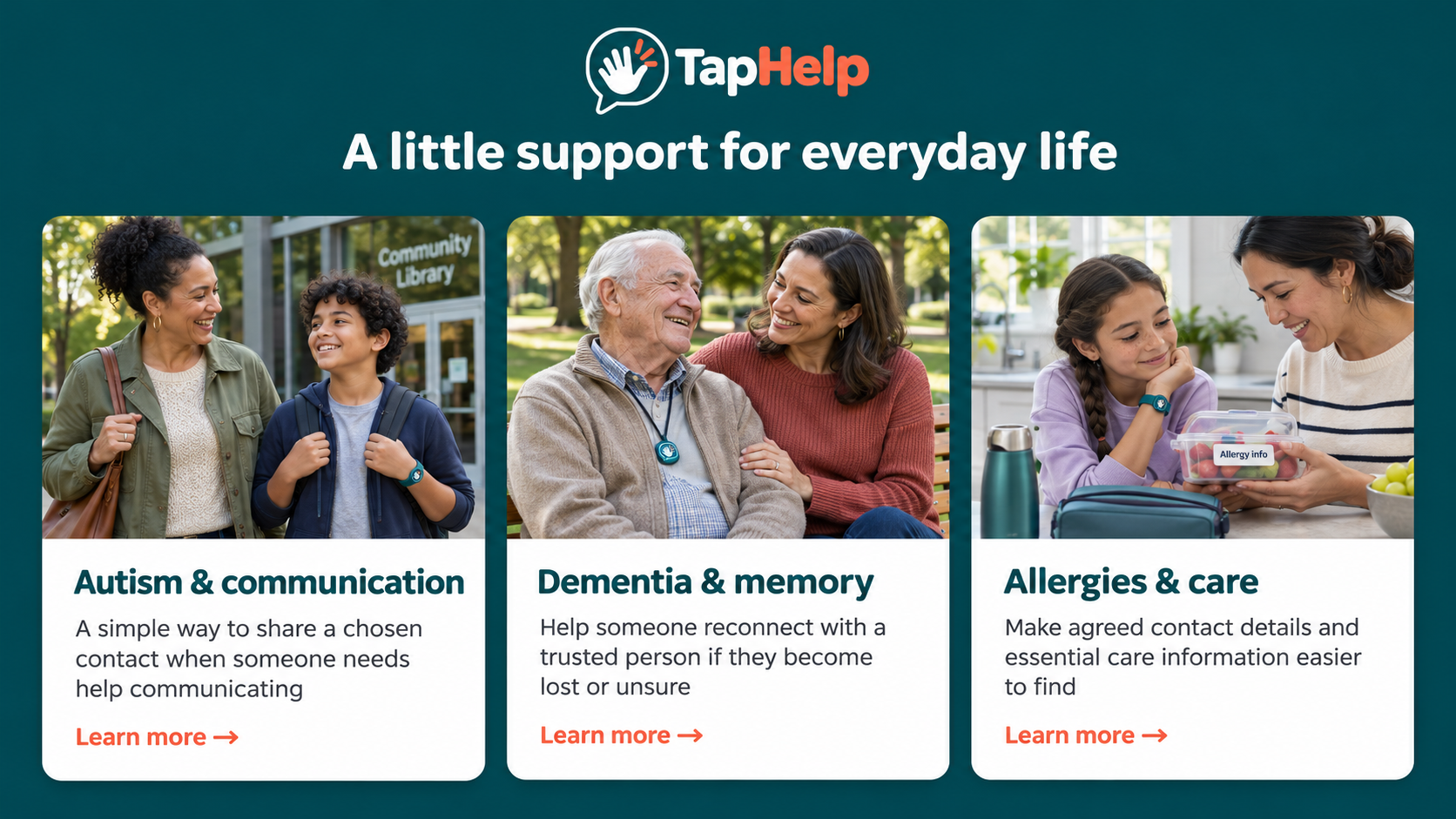
When words are difficult, help a teacher or bystander find a familiar person to call
How TapHelp supports communication →When someone becomes lost or unsure, help a bystander reach their agreed family contact
How TapHelp helps reconnect families →When a caregiver needs to check a care detail, make the right person easier to contact
How TapHelp supports caregivers →AI-generated lifestyle images
Good to knowStraightforward answers about tapping, contact information and calling
A compatible smartphone reads the website link stored on the tag. Open the notification or link to view the linked page. For a tag configured with a support contact page, the helper can see the chosen contact details and select the call button. A tap does not automatically place a call.
No. A compatible iPhone or Android phone can open the saved website link without the TapHelp app. The phone needs NFC reading support enabled where required, and internet access to load the page.
No. Someone helping can use their own compatible smartphone to read the tag. Ask the wearer before tapping wherever possible.
No. The passive NFC tag is powered briefly by the phone held close to it. The bracelet or pendant does not need charging.
The tag opens the exact webpage link written to it. A general website link opens that website; an individual contact page must be configured to show that person’s information. The tag itself does not generate a profile or supply a contact number.
Wi-Fi is not required if the phone has mobile data. Internet access is needed to load the linked webpage, and a suitable phone connection is needed to make a normal call.
No. The passive tag does not track location, detect falls, send an alert or call anyone by itself. A person must tap with a phone, open the page and choose to call. It is not a monitored emergency response service.
No. A contact link supports communication with a chosen person. Keep established care instructions, prescribed treatment and emergency arrangements in place. Do not delay urgent help to scan a tag or wait for a contact to answer.