
When a caregiver needs to check, make the right person easier to call
A lunchbox, an outing or a change of caregiver can bring questions about someone’s care. A configured TapHelp tag keeps a route to the agreed contact close at hand, so a helper can ask rather than rely on memory.
The problem behind the image
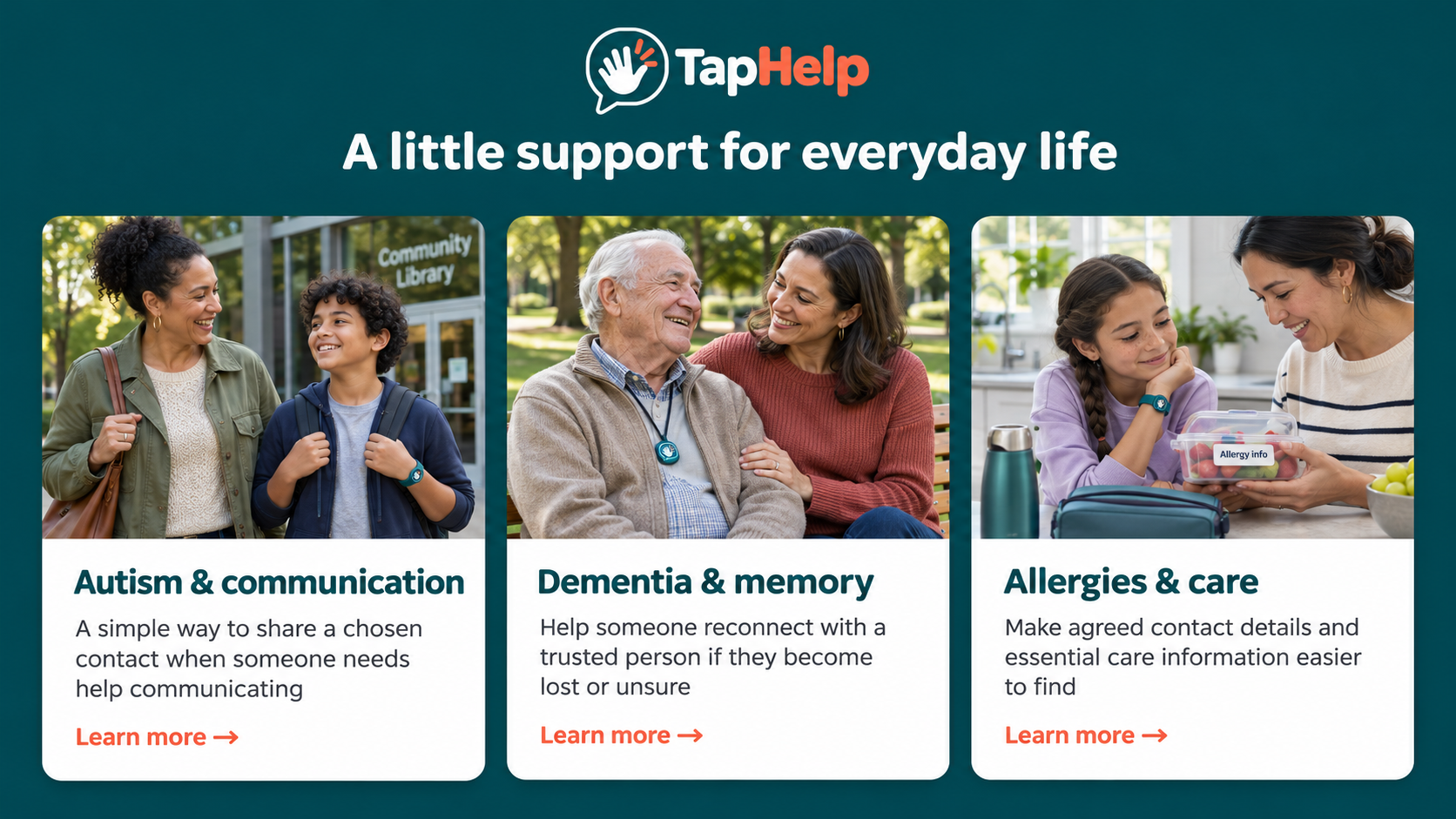
A child and caregiver are checking a lunch container. A sitter, relative or activity leader may need to confirm a detail but not have the parent’s number readily available. A bracelet can carry the link to that chosen contact without requiring the child to remember or explain it.
How TapHelp helps in that moment
The caregiver brings a compatible smartphone close to the tag, opens the link and views the configured contact page. They can select the parent or agreed supporter’s number and confirm the call. No TapHelp app is needed on the caregiver’s phone.
What belongs on the linked page
Start with a willing contact and the minimum information needed to reach them. If the page also displays care notes, those details need to be deliberately configured, agreed and kept current. A blank sticker or a tag linked only to the TapHelp homepage does not contain a child’s allergy information.
Introduce the tag before the outing
Show the caregiver where the tag is, practise opening the page and confirm the contact number together. Continue to share the person’s established care instructions directly. The tag makes a contact easier to find; it does not verify whether food is safe.
Keep emergency care separate from a contact call
TapHelp does not detect an allergic reaction, recommend treatment or replace an individual allergy action plan, prescribed medication or emergency assistance. Do not delay urgent care while opening a webpage or waiting for a contact to answer.